
Two guests, one name
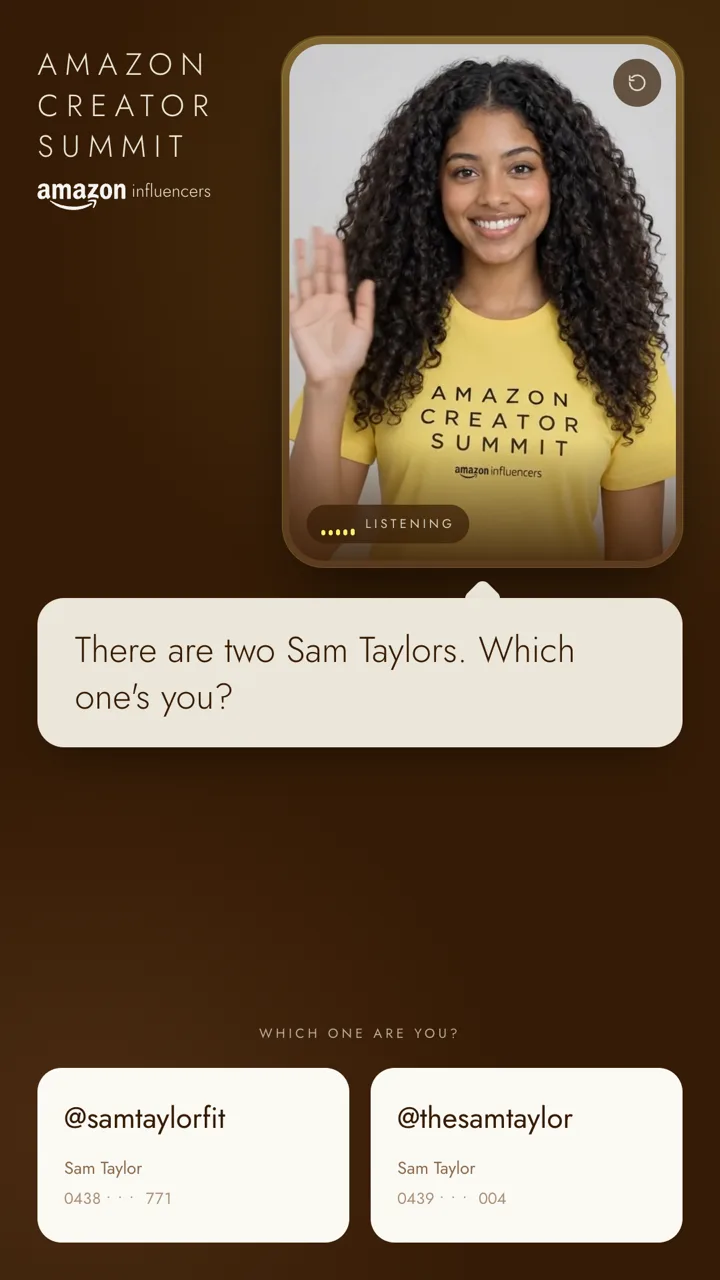
“Okay, funny one, I’ve actually got two of you. Are you @samtaylorfit, or @thesamtaylor?”
She treats it as the coincidence it is and tells them apart by handle or company. Tapping your own card works too.

AI avatar host for event registration
A real-time, conversational AI host on the front door of your event. She finds each guest on the list while she’s still talking, confirms in a sentence, checks them in, and registers walk-ins on the spot.
Built for the Amazon Creator Summit. Try that kiosk on this page.
About 25 seconds check-in time per guest

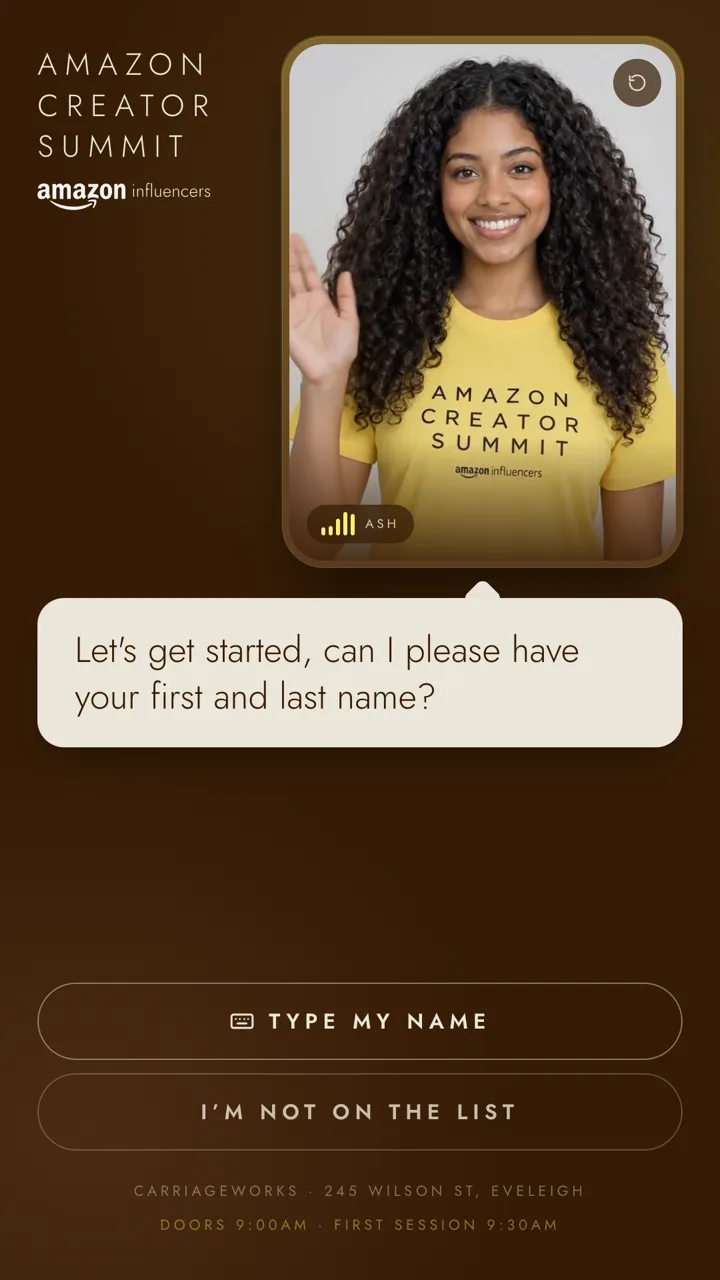
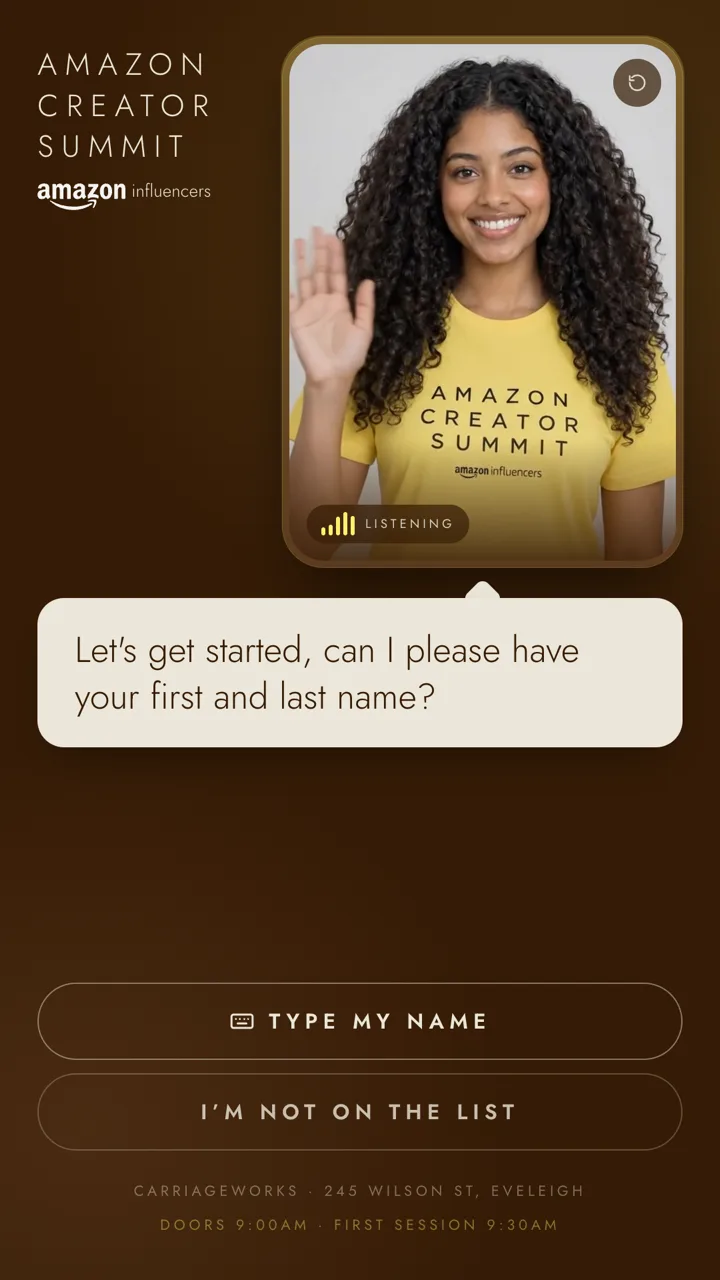
Let’s get started, can I please have your first and last name?
How a check-in goes
01
“Let’s get started, can I please have your first and last name?”
No app, no QR code, nobody scrolling for a confirmation email. A guest walks up and talks.
02
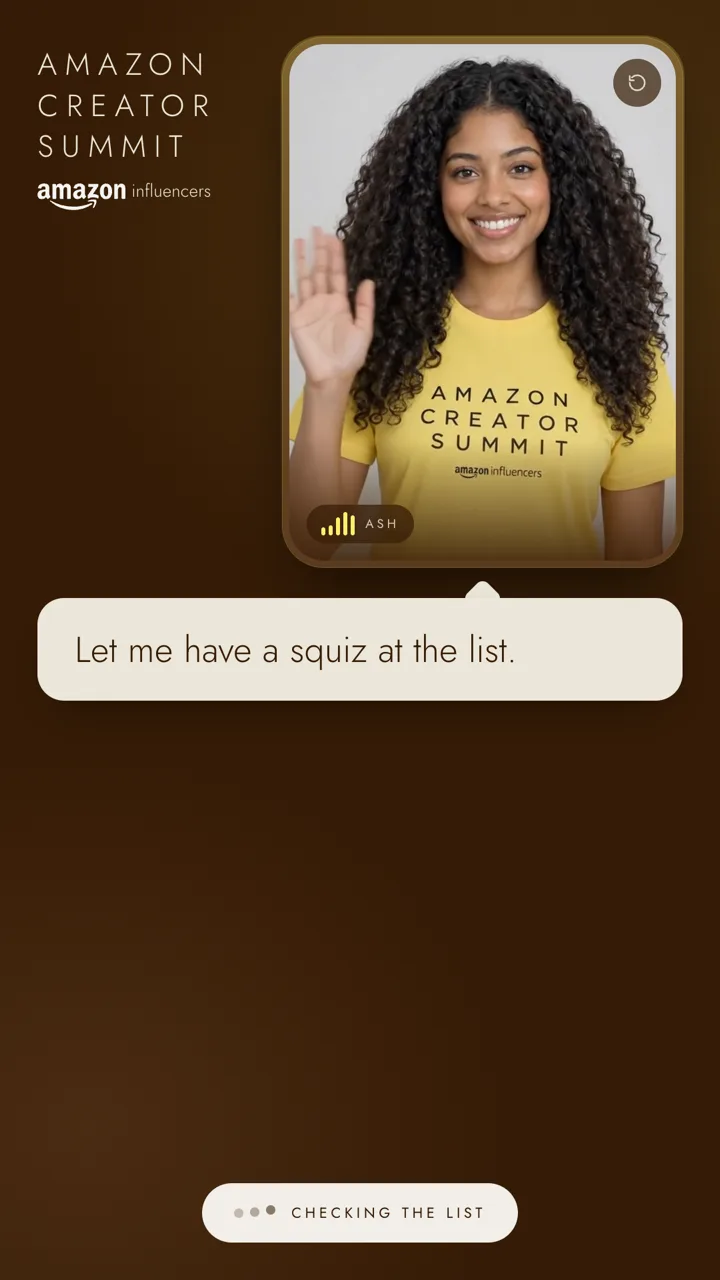
“Let me have a squiz at the list…”
The lookup runs while she’s talking, the way a person talks while they type. There’s no silent spinner.
03
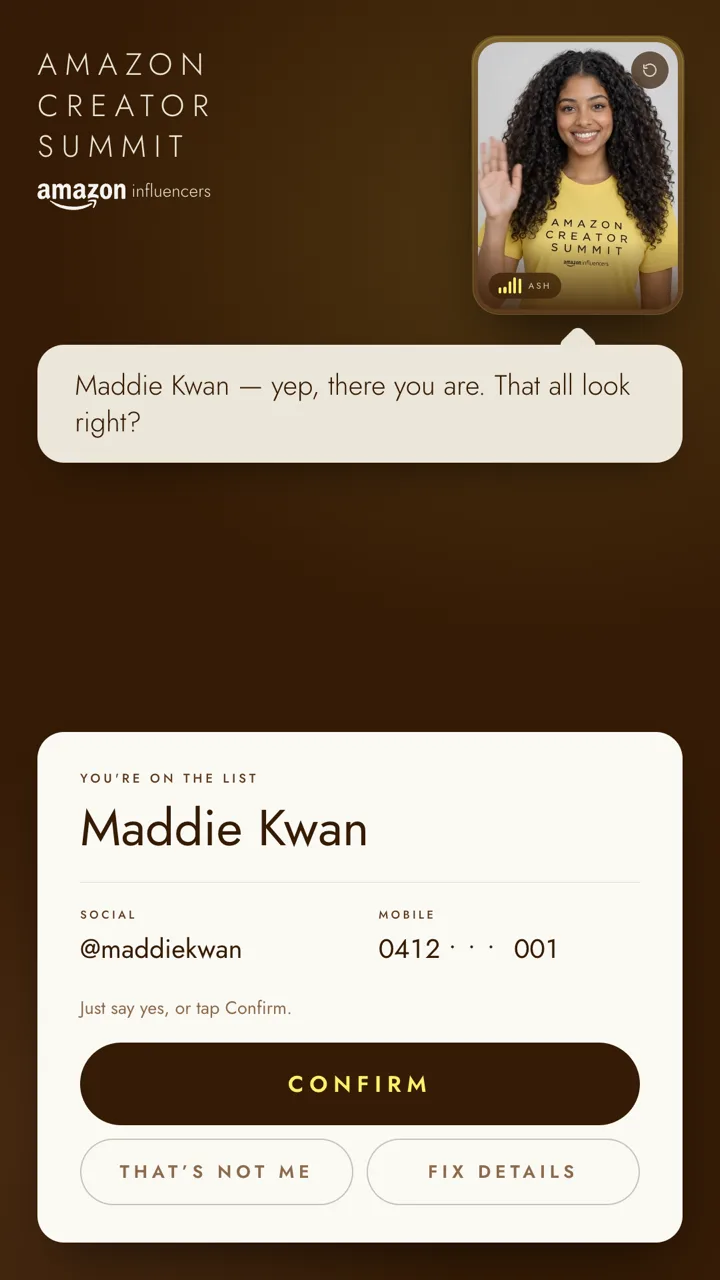
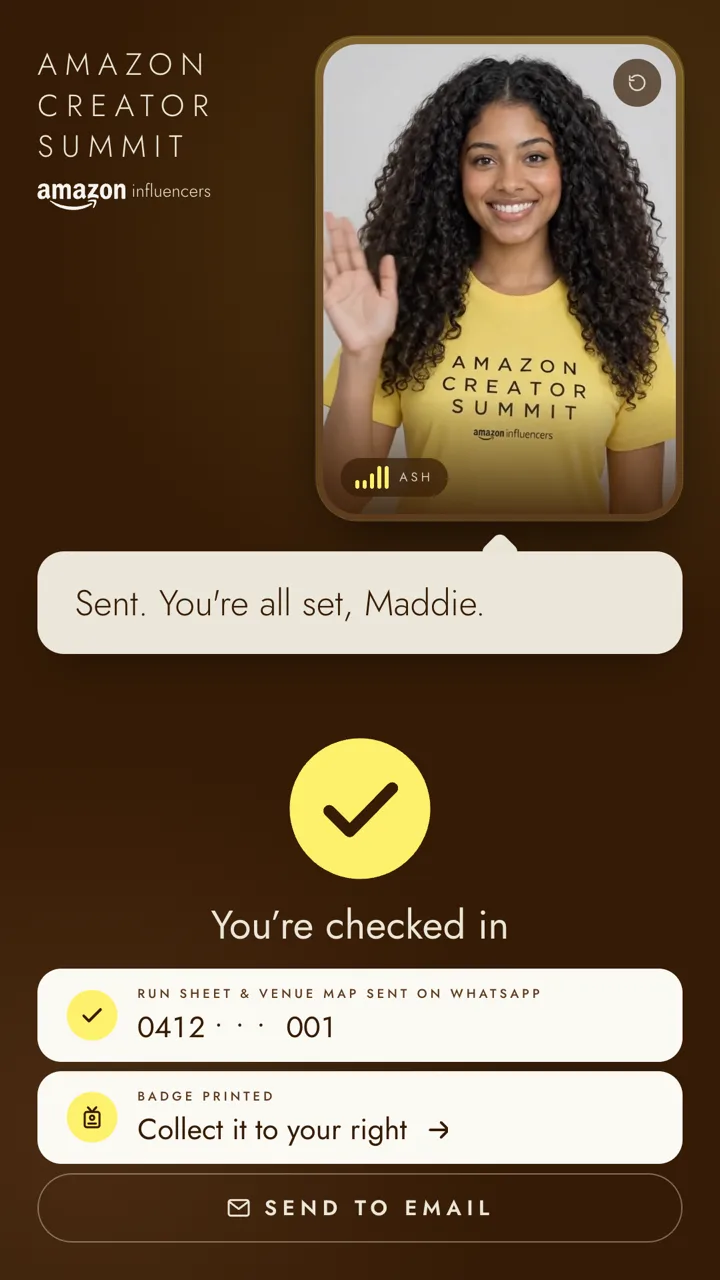
“Yep, there you are. Maddie Kwan, @maddiekwan, mobile ending zero zero one. That all look right?”
She never reads fields back one by one. The screen carries the detail; she’s the person in front of it.
04
“Grab it and head to the main stage. Enjoy!”
A yes, by voice or a tap, and they’re in. Every goodbye sends the guest on to the next thing.
The live demo
This is the working kiosk we built for the Amazon Creator Summit, running in your browser. No sign-up, no form. Say a name and see what she does.
Try saying
You’re not on this guest list, so borrow someone who is. Everyone on it is made up, and each one shows a different thing she does.
“Maddie Kwan”
On the list
She finds you, confirms in a sentence and checks you in.
“Sam Taylor”
Two of them
Two guests share the name. She asks which one you are.
“Jess Carmody”
Not on the list
She registers you on the spot, by voice or touch.
“Zoe Karalis”
No email on file
She asks for the missing detail, or lets you skip it.
Or try to trip her up: talk over her, mumble, change your mind, ask her something that has nothing to do with check-in. The live host is an AI and uses your microphone; please use made-up details, because speech and text go to third-party AI providers.
The awkward cases
The easy check-in is easy for anything. These are the ones that hold up a line, and each is a scripted, tested path in the kiosk you can try below.
Two guests, one name
“Okay, funny one, I’ve actually got two of you. Are you @samtaylorfit, or @thesamtaylor?”
She treats it as the coincidence it is and tells them apart by handle or company. Tapping your own card works too.
A misheard name
“Sorry, is that N-A-D-I-A? Just want to make sure I spell you right.”
Close matches are a prompt to check, never a dead end. She guesses, confirms, and owns it lightly.
Not on the list
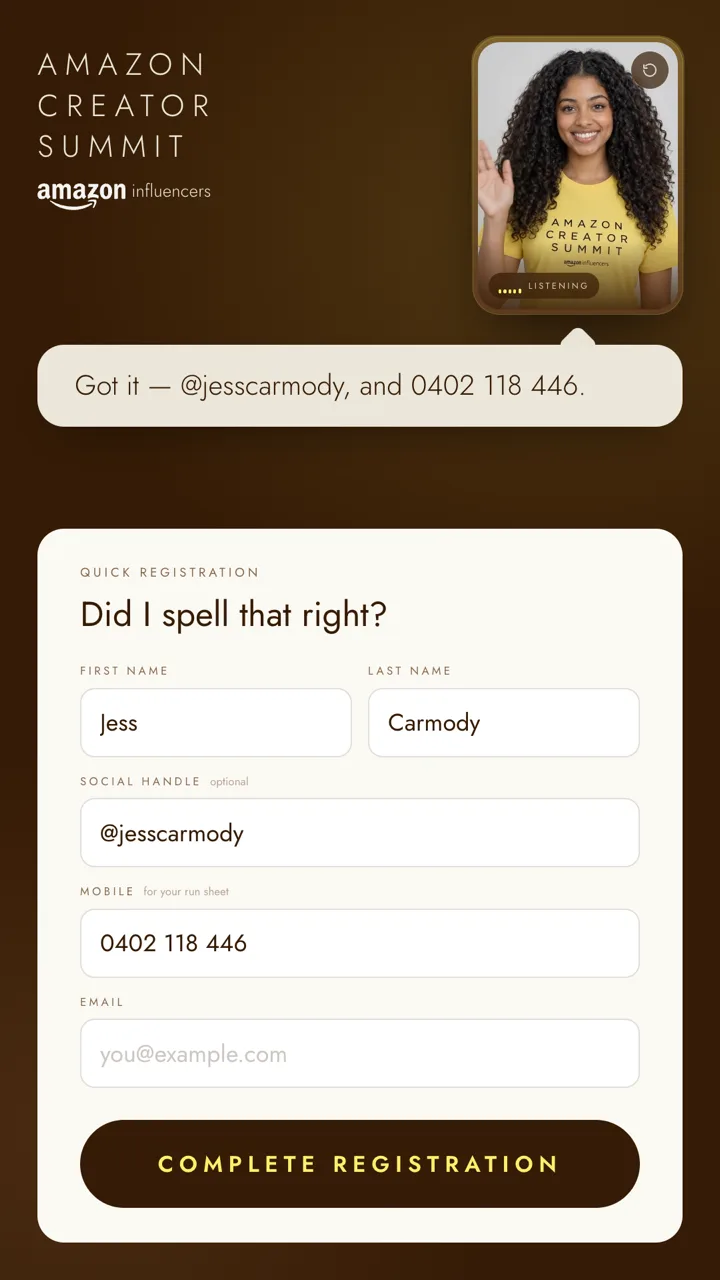
“You’re not currently on the list, no dramas, let’s get you registered.”
Walk-ins are registered on the spot. They can say their details and watch her fill the form, or type them.
A missing detail
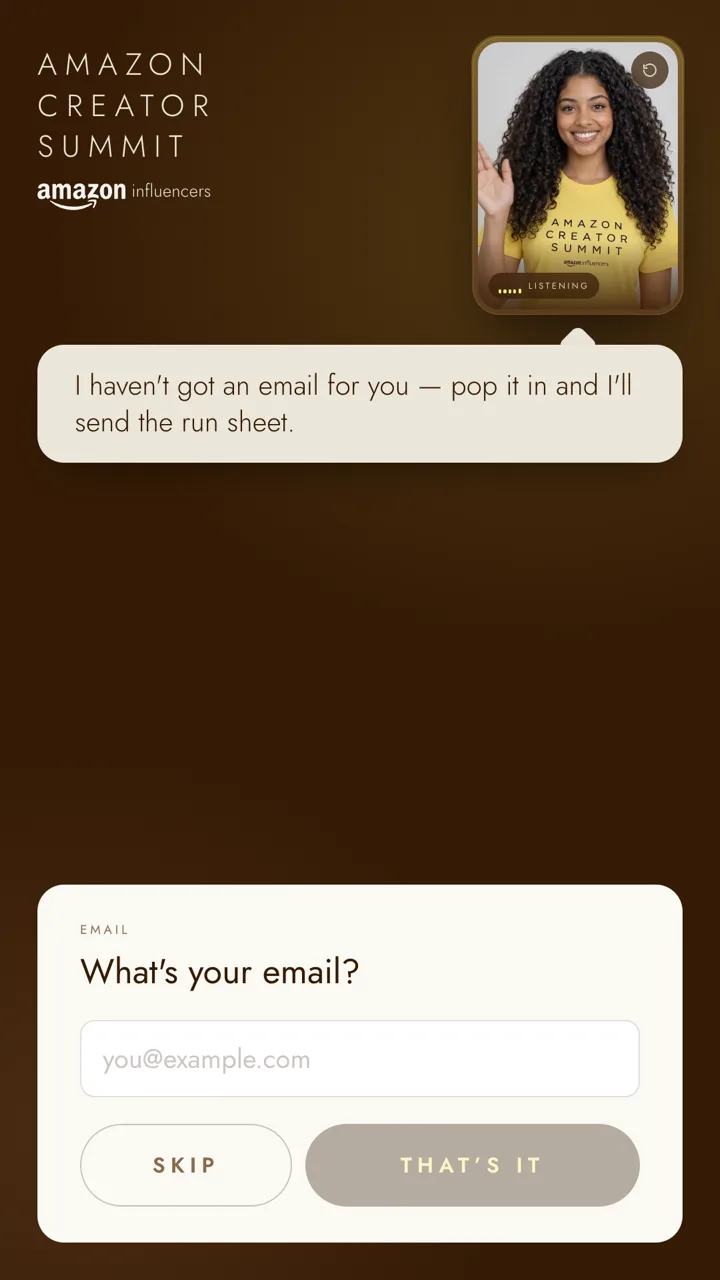
“I haven’t got an email for you though. Want to pop one in? Or skip it, honestly no stress.”
Gaps in your data get filled at the door, with the field on screen the moment she asks and a way out every time.
She hears a guest start speaking before there’s a transcript, stops mid-word, and listens.
Everything she asks out loud has a button. A loud foyer or a quiet guest is never stuck.
“@maddiekwan, nice.” “Bec from Wildfire Creative, got you.” She says each the way a person would.
The front door runs itself, so your team can run the event.
Your brand on the door
The host is cast, voiced and written for each client: what she wears, how she talks, the words she’d never say. The screen around her takes your brand, so guests meet your event, not our software.
 Ash, in the live demo






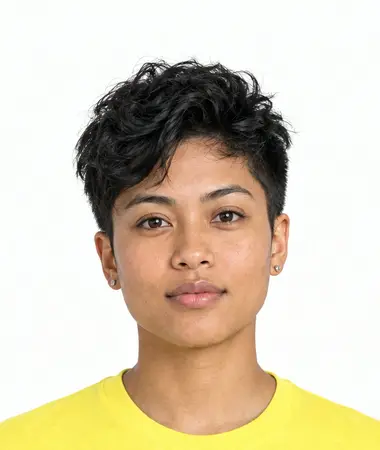
The host line-up designed for the Amazon Creator Summit project. Ash is the host in the working kiosk; a wider line-up and each new host are built per engagement.
Around the conversation
The kiosk conversation is built and working today. These are the pieces we design and build around it for each engagement, to fit how your team runs the day.
Built per engagement
Who’s in, who’s waiting, which kiosk needs a hand. Search a guest, fix a detail, check someone in from the desk.
Built per engagement
A name badge at the printer beside the kiosk by the time she’s said goodbye.
Built per engagement
Schedule and venue map delivered by WhatsApp or email the moment they’re checked in.
Built per engagement
A line-up of hosts across your kiosks, and check-in in the languages your guests speak.
Built per engagement
It can be hosted in an Australian region. We take you through data handling on the demo call.
Screens in this section are illustrations of what we build, not captures of a live system. For the Amazon Creator Summit, the finished piece is the kiosk conversation you can try on this page.
Tested, not promised
Questions
Anything else, ask us on the demo call. It’s a conversation, not a pitch deck.
It depends on your event: how many kiosks, how many hosts, what it needs to connect to. We scope it with you on the demo call, so you get a figure for your event rather than a generic one.
It’s a finished, working registration experience, built for the Amazon Creator Summit. The kiosk on this page is that build, running live. We’d rather you try it than take our word for it.
They don’t have to. Everything the host asks out loud has a button: type a name, tap to confirm, fill the form by hand. Voice is the fast way in, never the only one.
Yes. The host’s look, voice and script, and the screen around her, are made for each client. You’d see your event on the door, not ours.
A screen, a microphone and a reliable internet connection. We’ll go through hardware, placement and how many kiosks suit your doors on the demo call.
It checks guests in against your list and registers walk-ins into it. How it connects to your registration platform is scoped per event.
She does one job. She turns down everything else in a line and goes back to checking you in, and every line is checked again before it’s spoken. Try to derail her in the demo.
Speech and text are processed by the AI providers that run the host. The platform can be hosted in an Australian region, and we’ll take you through data handling for your event on the call.
Book a demo
Tell us a little about your events and we’ll walk you through the kiosk, the awkward cases, and how it would look in your brand.